> ## Documentation Index
> Fetch the complete documentation index at: https://docs.sanitizeemail.com/llms.txt
> Use this file to discover all available pages before exploring further.
# Introduction
> Powerful email validation and management API for developers and businesses
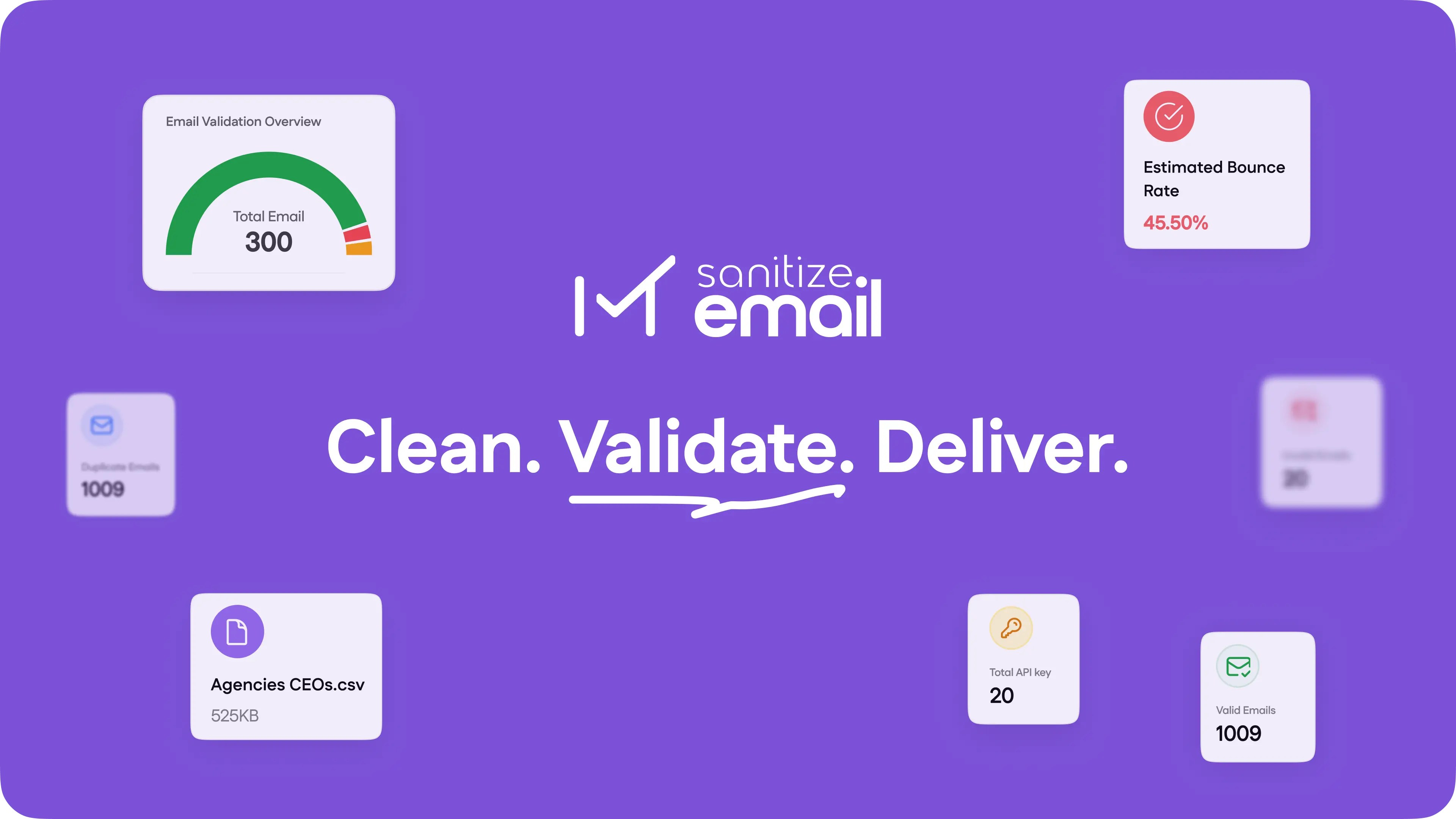 ## Welcome to Sanitize-Email API
The Sanitize-Email API provides comprehensive email validation and management solutions for developers and businesses. Validate email addresses for syntax, domain deliverability, and SMTP checks with our powerful REST API.
Start validating emails in minutes with our quickstart guide
Explore our complete API documentation and endpoints
## Core Features
Validate email addresses for syntax, domain, and deliverability with bulk
validation support
Real-time SMTP checks to verify email deliverability
Process thousands of emails efficiently with batch validation
Securely generate and manage API keys for authentication
## Quick Example
Here's a simple example of validating an email address:
```bash theme={null}
curl -X POST https://base.sanitizeemail.com/v1/api/email-validation/ \
-H "Content-Type: application/json" \
-H "X-API-KEY: YOUR_API_KEY" \
-d '{
"emails": ["test@example.com"],
"options": {
"validate_smtp": true
}
}'
```
## Authentication
All API endpoints require authentication using your API key in the `X-API-KEY` header:
```http theme={null}
X-API-KEY: YOUR_API_KEY
```
Access your API key from the Sanitize-Email dashboard
## Support & Contact
**Email**: [support@sanitizeemail.com](mailto:support@sanitizeemail.com)
**URL**: [sanitizeemail.com](https://sanitizeemail.com)
This API operates under a Proprietary License. Please review our [Terms of
Service](https://sanitizeemail.com/terms-of-service) before integration.
## Welcome to Sanitize-Email API
The Sanitize-Email API provides comprehensive email validation and management solutions for developers and businesses. Validate email addresses for syntax, domain deliverability, and SMTP checks with our powerful REST API.
Start validating emails in minutes with our quickstart guide
Explore our complete API documentation and endpoints
## Core Features
Validate email addresses for syntax, domain, and deliverability with bulk
validation support
Real-time SMTP checks to verify email deliverability
Process thousands of emails efficiently with batch validation
Securely generate and manage API keys for authentication
## Quick Example
Here's a simple example of validating an email address:
```bash theme={null}
curl -X POST https://base.sanitizeemail.com/v1/api/email-validation/ \
-H "Content-Type: application/json" \
-H "X-API-KEY: YOUR_API_KEY" \
-d '{
"emails": ["test@example.com"],
"options": {
"validate_smtp": true
}
}'
```
## Authentication
All API endpoints require authentication using your API key in the `X-API-KEY` header:
```http theme={null}
X-API-KEY: YOUR_API_KEY
```
Access your API key from the Sanitize-Email dashboard
## Support & Contact
**Email**: [support@sanitizeemail.com](mailto:support@sanitizeemail.com)
**URL**: [sanitizeemail.com](https://sanitizeemail.com)
This API operates under a Proprietary License. Please review our [Terms of
Service](https://sanitizeemail.com/terms-of-service) before integration.